Your mum has lived in the same house for forty years. She knows where every light switch is, which step creaks, and how to jiggle the back door lock. Lately, though, the hallway at night feels darker than it used to, and she's started leaving the heater on when she goes out.
Smart home devices can help with exactly these kinds of everyday problems. Used well, they make a familiar home a bit safer and easier to live in, without changing how it feels. Used badly, they add confusion, cost and another thing to charge.
This guide covers the types of smart home devices that tend to be most useful for older adults, what each is good for, and how to choose and set them up so they actually get used.
Start With the Problem, Not the Gadget
Before buying anything, write down the two or three things that are hardest right now. For example:
getting to the bathroom safely at night
forgetting to turn appliances off
missing phone calls or struggling to dial
not knowing who's at the door
worrying about a fall when no one's around
Then choose devices that solve those specific problems. One well-chosen device that gets used every day beats a house full of tech that doesn't.
Lighting That Helps Prevent Falls
Falls are a major risk for older adults living at home. According to National Safety Council analysis of CDC data, more than one in four older adults report a fall each year.
Good lighting is one of the simplest ways to reduce that risk, especially at night.
Motion-sensor lights switch on automatically when someone walks into a hallway, bathroom or bedroom. No fumbling for a switch in the dark.
Plug-in night lights with light sensors come on when it gets dark and are cheap and easy to install.
Smart bulbs can be scheduled to brighten in the morning, dim in the evening and switch on a pathway to the bathroom at night.
Voice-controlled lights let someone say "turn on the bedroom light" rather than getting up in the dark.
Pair lighting with other fall prevention steps. Our guides to fall prevention tools and bathroom safety cover grab bars, rails and more.
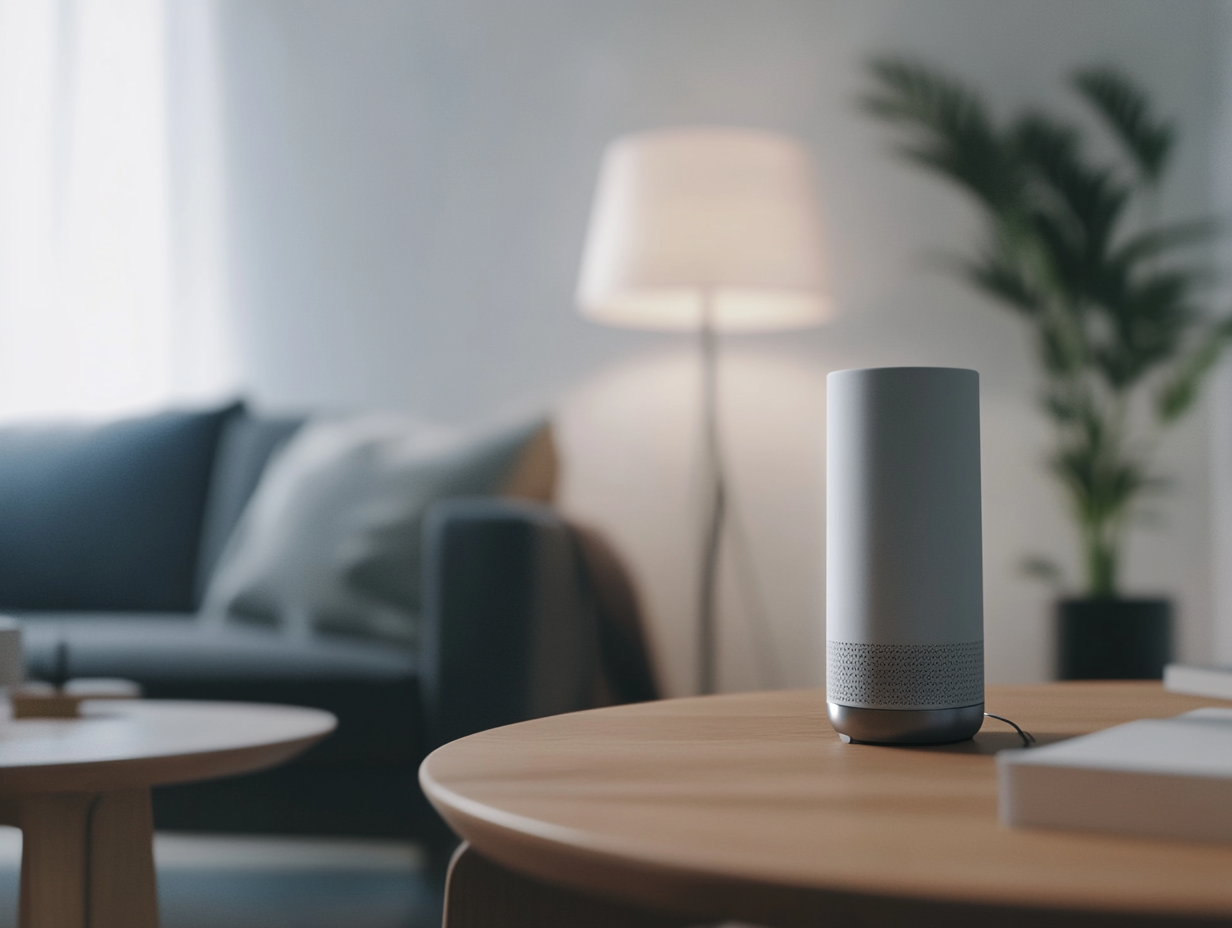
Voice Assistants and Smart Displays
Smart speakers and smart displays are among the most flexible devices for older adults. They can:
answer questions like "What day is it?" or "What's the weather?"
set spoken reminders
make hands-free calls to family
play music, radio or audiobooks
control lights, plugs and thermostats by voice
Smart displays add a screen, which makes video calls and photo slideshows possible.
They suit people who are comfortable speaking but find phones or tablets fiddly. Keep the setup simple at first, with a few commands written on a card beside the device. Our article on how smart speakers support mental health in seniors looks at the connection side.
Smart Plugs and Appliance Safety
A smart plug sits between an appliance and the wall socket. It can be scheduled to switch off at a set time, or turned off remotely from a phone.
Useful for:
heaters that sometimes get left on
lamps that need to come on at dusk
appliances a family member wants to be able to switch off from a distance
For cooking, look at stove safety devices that switch the stove off automatically if it's left unattended. These are especially worth considering if memory changes are starting to affect kitchen safety.
Door Security: Video Doorbells and Smart Locks
Video doorbells show who's at the door on a phone or smart display, and let the person speak to them without opening it. That can help with scam callers and unexpected visitors.
Smart locks can be opened with a code, phone or fingerprint instead of a key. Some let trusted family members or carers unlock the door remotely, which can help in an emergency.
Think about privacy and consent with anything that records or grants access. Talk it through with your parent first, and agree who can see what.
Smoke, Carbon Monoxide and Leak Detectors
Connected smoke and carbon monoxide alarms send an alert to a phone as well as sounding in the house, which matters if someone has hearing loss or is away from home. Water leak sensors placed near the washing machine, hot water cylinder or under sinks can flag a leak early.
These are "set and forget" devices, which makes them some of the easiest wins.
Thermostats and Temperature
Older adults can be more affected by heat and cold. A smart thermostat can keep the home within a safe temperature range automatically, and family can check or adjust it remotely if needed. This is especially useful during heatwaves or cold snaps.
Sensors and Monitoring: Use With Care
Some systems use motion or door sensors to learn a person's normal routine and alert family if something unusual happens, like no movement in the morning. Others include wearable fall detection or emergency buttons.
These can offer real peace of mind, particularly for people who live alone. They also raise real questions about privacy and independence. Our articles on the rise of in-home monitoring technologies and privacy and security in agetech talk through the trade-offs. For emergency options specifically, see our guide to tech for seniors living alone.
Smart home devices take care of the house. Elli Cares focuses on the person: medication, appointment and daily reminders, short video reminders from family, daily wellbeing check-ins and a shared care circle so family can see how the day is going. Elli can also connect with Apple Health and Android Health Connect. It's designed to sit alongside the devices you already use, not replace them.
How to Choose and Set Up Devices Well
The Alzheimer's Society's guide to using technology in everyday life is a useful reference for choosing assistive technology. A few principles make a big difference:
Involve the person from the start. Devices that feel imposed are more likely to be unplugged.
Introduce one thing at a time. Give each new device a few weeks to become familiar before adding another.
Choose simple over clever. Fewer buttons, fewer settings, fewer apps.
Stick to one ecosystem where you can. Devices that work with the same assistant or app are easier to manage.
Plan for internet and power outages. Know what still works if the Wi-Fi drops, and keep traditional light switches and keys as backups.
Write down how it works. A laminated card beside each device helps the person and any visitors.
Decide who looks after it. Updates, batteries and troubleshooting need an owner in the family.
Frequently Asked Questions
What smart home devices are best for elderly parents?
Motion-sensor lighting, voice assistants, smart plugs, video doorbells and connected smoke alarms are common starting points. The best choice depends on the specific problems your parent faces day to day.
Are smart home devices good for people with dementia?
Some can help, particularly automatic lighting, appliance safety devices and simple voice assistants. Introduce them early and gradually, and keep the setup simple.
Can smart home devices prevent falls?
They can't prevent falls on their own, but good lighting reduces some risks and some devices can alert family if a fall happens. Combine them with other fall prevention steps.
Do smart home devices invade privacy?
Some can, especially cameras and monitoring sensors. Discuss options with your parent and agree who can see what before installing anything.
Small Changes, Real Confidence
The best smart home is one your parent barely notices, because it just makes the day a little easier. To see how Elli supports independence alongside the tech you already have, visit our Seniors and Families page.