
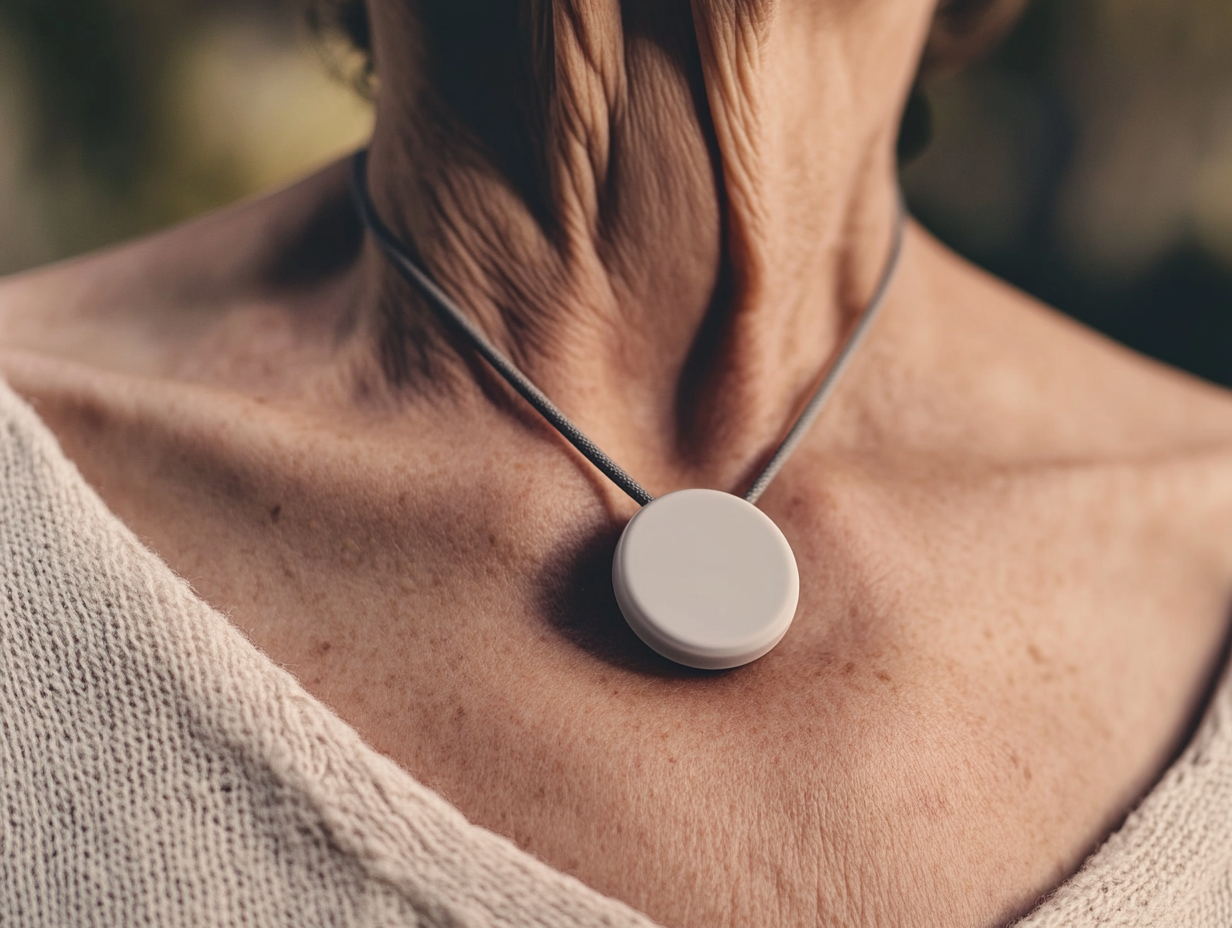
Mum insists she's fine on her own. Most days she is. But you still lie awake wondering what would happen if she slipped in the shower at 2am, or felt dizzy in the garden with her phone on the kitchen bench.
A medical alert system is designed for exactly that gap. It gives an older adult a simple way to call for help when they can't reach a phone, or can't think clearly enough to dial. This guide explains how these systems work, which features are worth paying for, what they cost, and how to choose one your parent will actually wear.
Why Emergency Alerts Matter
Falls are the most common reason families start looking. According to National Safety Council analysis of CDC data, more than one in four older adults report a fall each year, and fall-related deaths among older adults have risen over the past decade.
Living alone raises the stakes. The Administration for Community Living's 2023 Profile of Older Americans reports that about 28 percent of older adults living in the community live alone. If one of them falls and can't get up, the time before anyone notices can matter as much as the fall itself.
Alerts aren't only about falls. They can also help with a sudden illness, chest pain, a panic about a stranger at the door, or simply feeling unwell and frightened at night.
What Is a Medical Alert System?
A medical alert system, sometimes called a personal emergency response system (PERS), usually has three parts:
A wearable help button, worn as a pendant, wristband or clip.
A connection, either a base unit plugged in at home or a mobile device with its own cellular service.
A response, which is either a 24/7 monitoring centre or a list of family contacts who get the call.
Press the button and the device connects to a trained operator or a family member, usually through a two-way speaker. The responder can talk to your parent, decide whether to call emergency services, and contact family.
Monitored or Unmonitored?
This is the biggest choice you'll make.
Monitored systems connect to a professional call centre that answers around the clock. They cost a monthly fee, but someone always picks up, even if family members are asleep, overseas or in a meeting.
Unmonitored systems call or text a list of family contacts. They're cheaper, but they only work if someone on the list answers. If your family can't guarantee that, a monitored service is the safer option.
Smartwatches sit somewhere in between. For example, Apple says fall detection on Apple Watch turns on automatically for people aged 55 and over, and can call emergency services if the wearer has been immobile for about a minute after a hard fall. Apple also notes it can't detect every fall. A watch only helps if it's charged and worn, which is worth thinking about honestly.
Features to Look For
Fall detection. The device senses a hard fall and calls for help automatically. It's useful for someone who might be unable to press a button, but no system catches every fall, so the button still matters.
At-home or on-the-go. A home base unit only works within range of the house. A mobile device with GPS works in the garden, at the shops and on walks.
Two-way voice. Your parent should be able to hear and speak to the responder clearly from the device itself.
Water resistance. Many falls happen in the bathroom. A device that can be worn in the shower is essential.
Battery life and charging. A pendant that needs charging every night is a pendant that will be left on the bedside table. Ask how long the battery lasts and how the device warns of low charge.
Caregiver alerts. Some services notify family when the button is pressed, so you know what's happening as it happens.
Simple design. One large button, no menus, nothing to configure.
Comparing Wearable Options
Pendants are the most familiar and the easiest to press. Some people find them uncomfortable or dislike how they look.
Wristbands and watches feel more like everyday jewellery, and are harder to forget. Smaller buttons can be tricky for arthritic hands.
Clip-ons attach to a belt or waistband. They're discreet, but easy to leave on yesterday's trousers.
Let your parent try options on if you can. Comfort and appearance decide whether a device gets worn, and a device in a drawer helps no one.
What Do Medical Alert Systems Cost?
According to the National Council on Aging's guide to medical alert system costs, monitoring generally runs from about $20 to $60 or more per month. Equipment ranges from free to around $200, and fall detection often adds about $10 to $11 a month.

